Let’s Get Started!
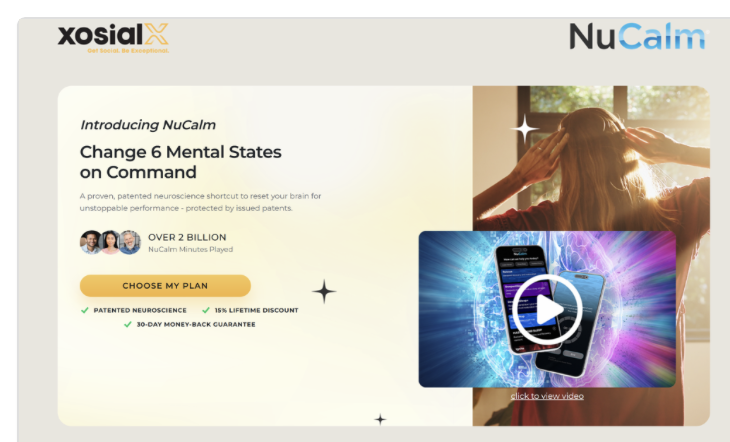
Signup up for NuCalm
Upgrade to Associate
Share your NuCalm Site
Setup NuCalm
Begin and Share Your Journey
Step 1: Signup for NuCalm
Sign up for NuCalm. The link is XXXX.xosialx.com/nucalm. The XXXX will be the user name of the person who referred NuCalm to you. If you are unsure, please ask them to send you their link. This is our unique custom marketing site. Once you signup and upgrade your account to associate, you will get your own custom NuCalm site to share with your friends.
Upgrade to Associate
Everyone starts in xosialX as a customer first. When you sign up for NuCalm, you will get a customer account. You will choose a user name (which will be part of your custom marketing site url) and a password. This is to access your xosialX account which will allow you to manage your NuCalm subscription and setup a SmartShip or shop for physical products.
To earn money in xosialX by sharing products with others, you simply login to your customer account that you just set up and upgrade your account to associate (for free).

Click on CLICK HERE on the box at the top of your customer back office.
Share your NuCalm Site
Once you have an Associate back office you will find lots of additional tools to help you spread the word about xosialX and NuCalm.

Go to My xosialX Websites (click on left menu link or banner) The first site is your NuCalm site.
Setup NuCalm
You will receive a separate welcome email from NuCalm. The email will come from support@nucalm.com. If you don’t see it make sure you check your junk and spam folders. If you still do not see it, go to the app store and download the NuCalm app. Then login with the same email you use for xosialX. Then click on “forgot password” if you did not set up a password or if you forget your password in the future.
DOWNLOAD THE APP
IOS: App Store DOWNLOAD
ANDROID: Google Play Store DOWNLOAD
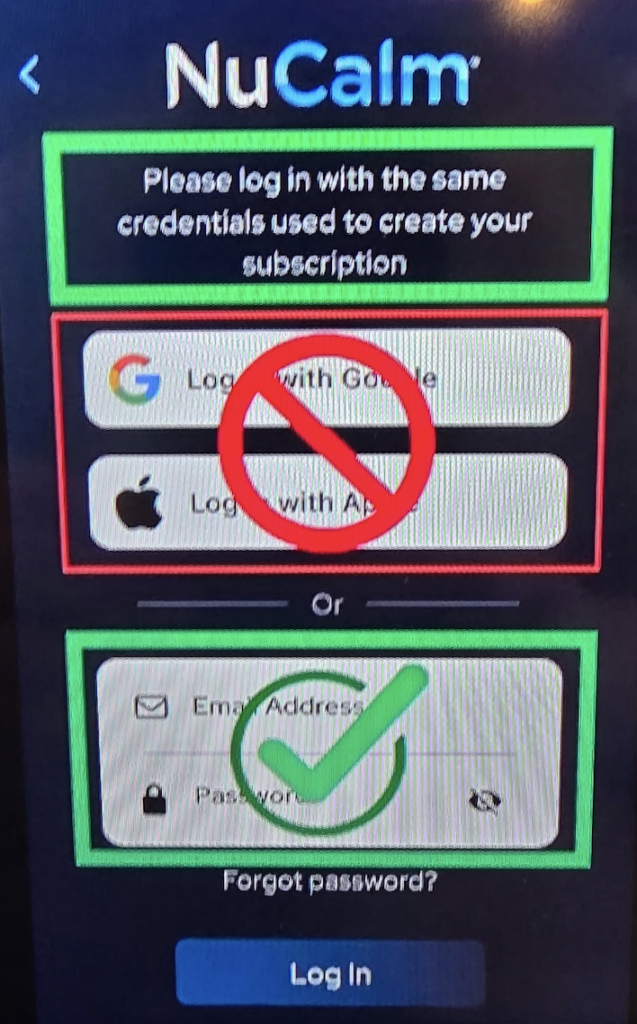
Do NOT use login with google or apple.
Choose the Option for Email Address and Password. Use the same email you use with xosialX. Use the password you set up with NuCalm through the Welcome to NuCalm email. If you did not get the email, just choose “Forgot Password” and set it up there.
Now you are ready to begin your journey with NuCalm and with xosialX. Make sure you take the stress test right away and then do a “Rescue VT” for 20 or 40 minutes. Then take the test again. You wil find the Stress Test on your home screen at the bottom. We can’t wait to hear your experience!
How to Use NuCalm YouTube Playlist
Share Your Experience
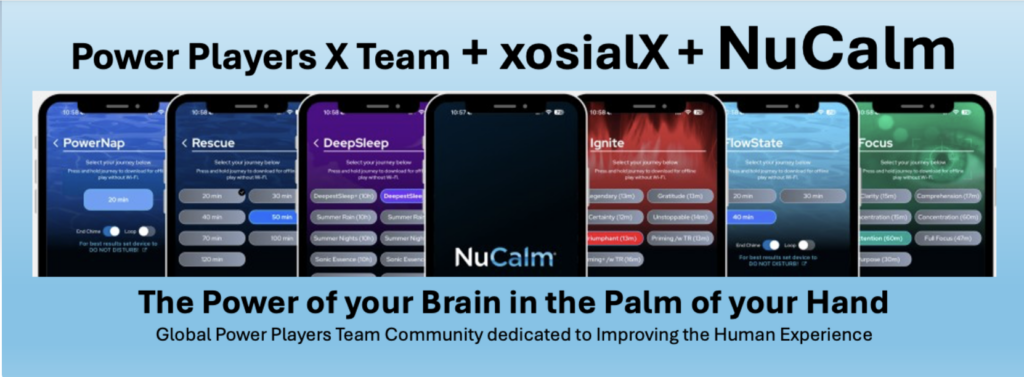
PLUG IN to our team xosialX NuCalm Facebook community and share your experience.
https://www.facebook.com/NuCalmbyxosialx
STEP BY STEP INSTRUCTIONS
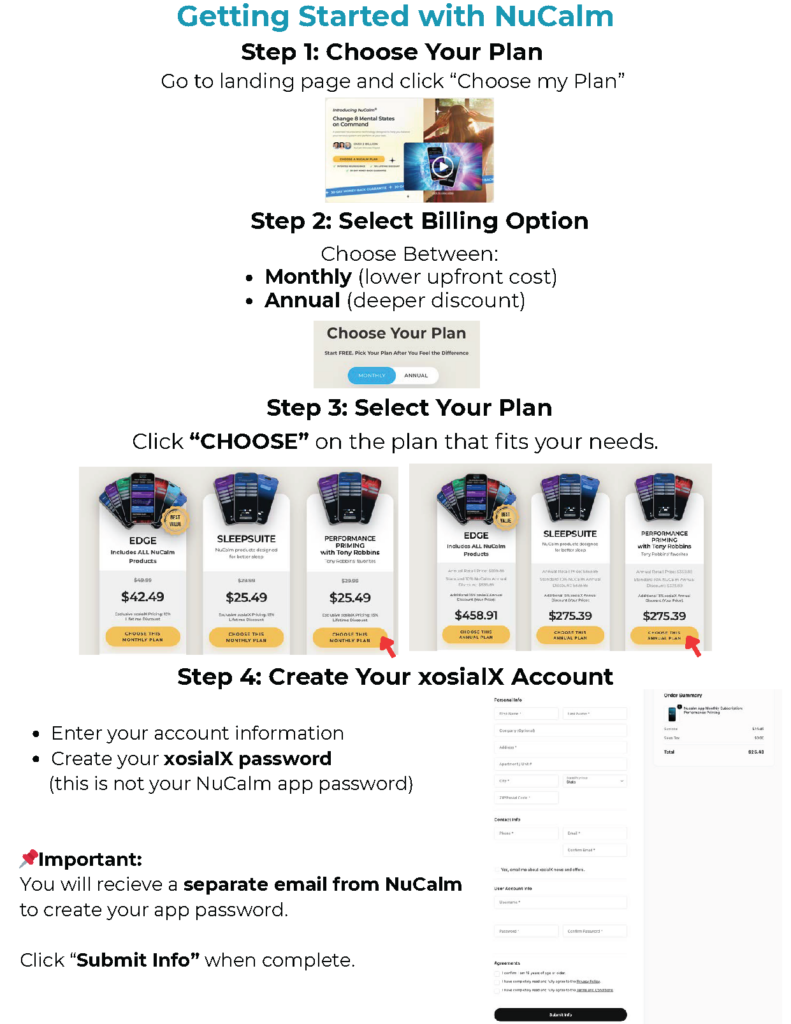
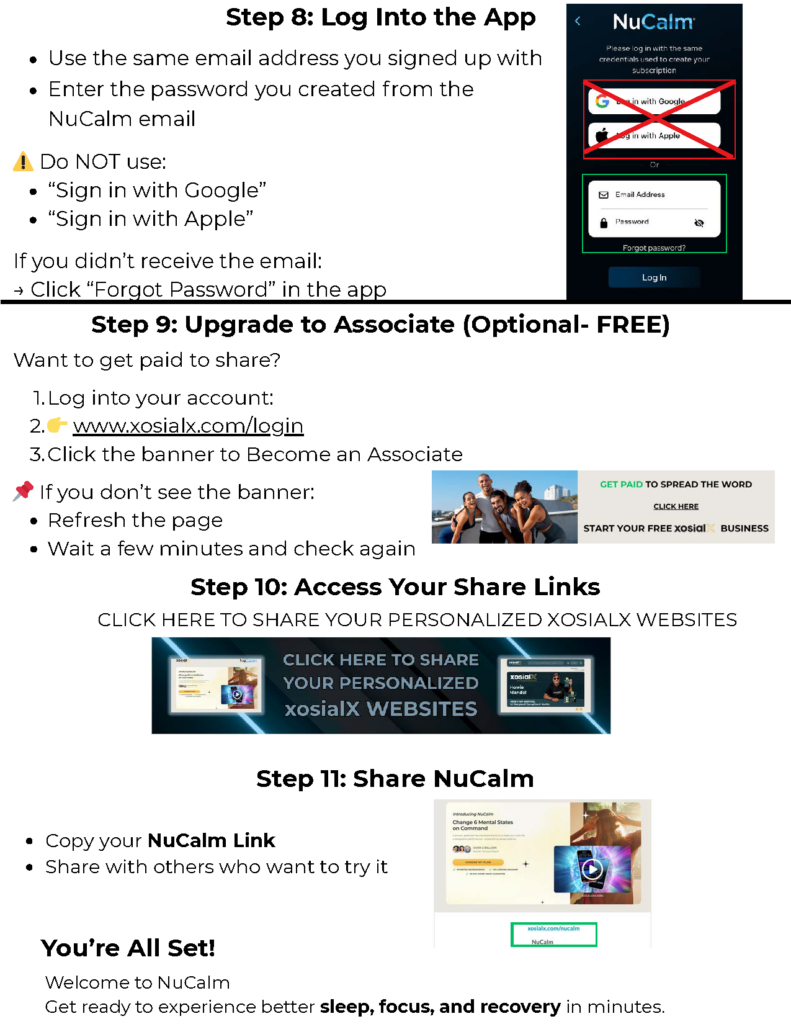
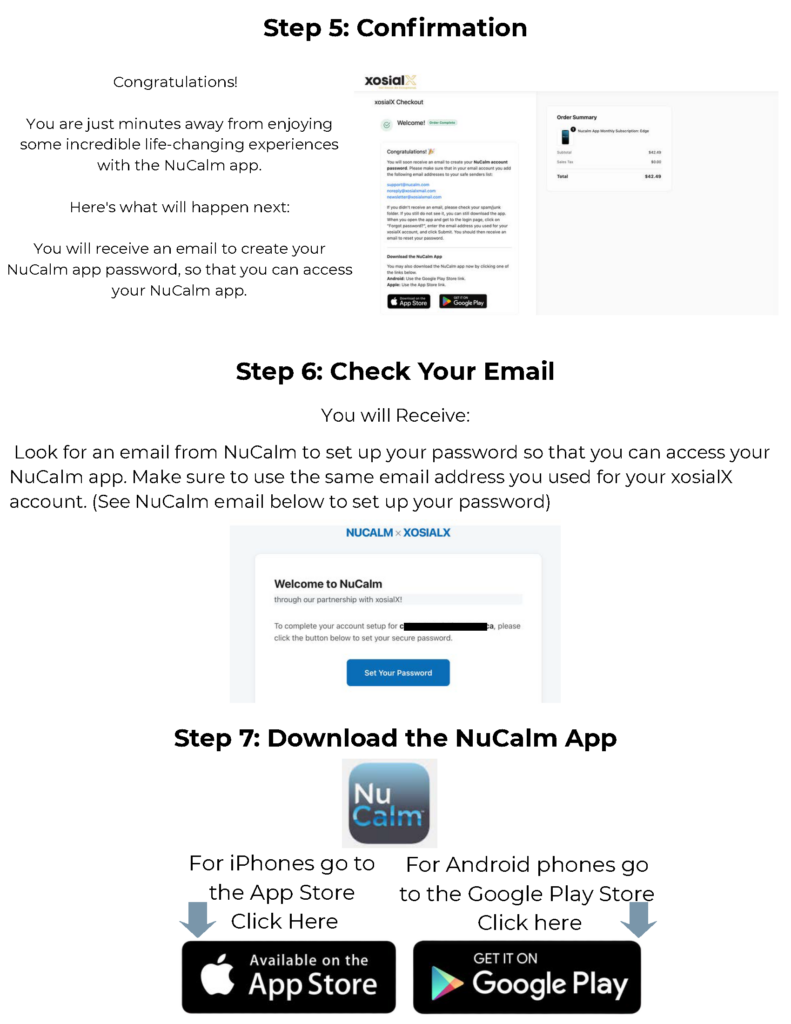
View or download the Getting Started PDF
New Customer Associate Getting Started with NuCalmDownload
NuCalm Vault
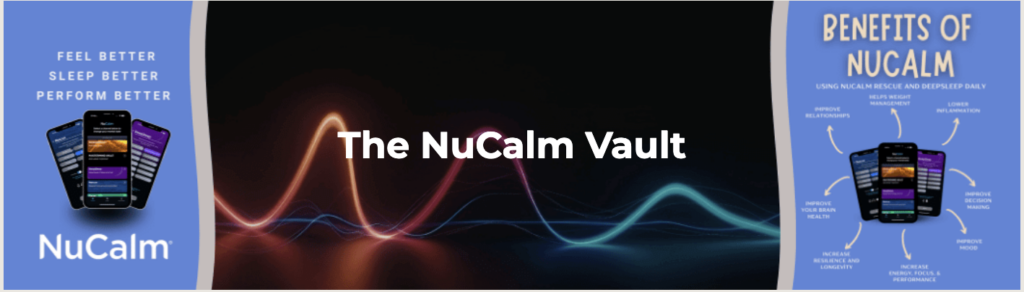
CLICK HERE to Access the NuCalm Vault
